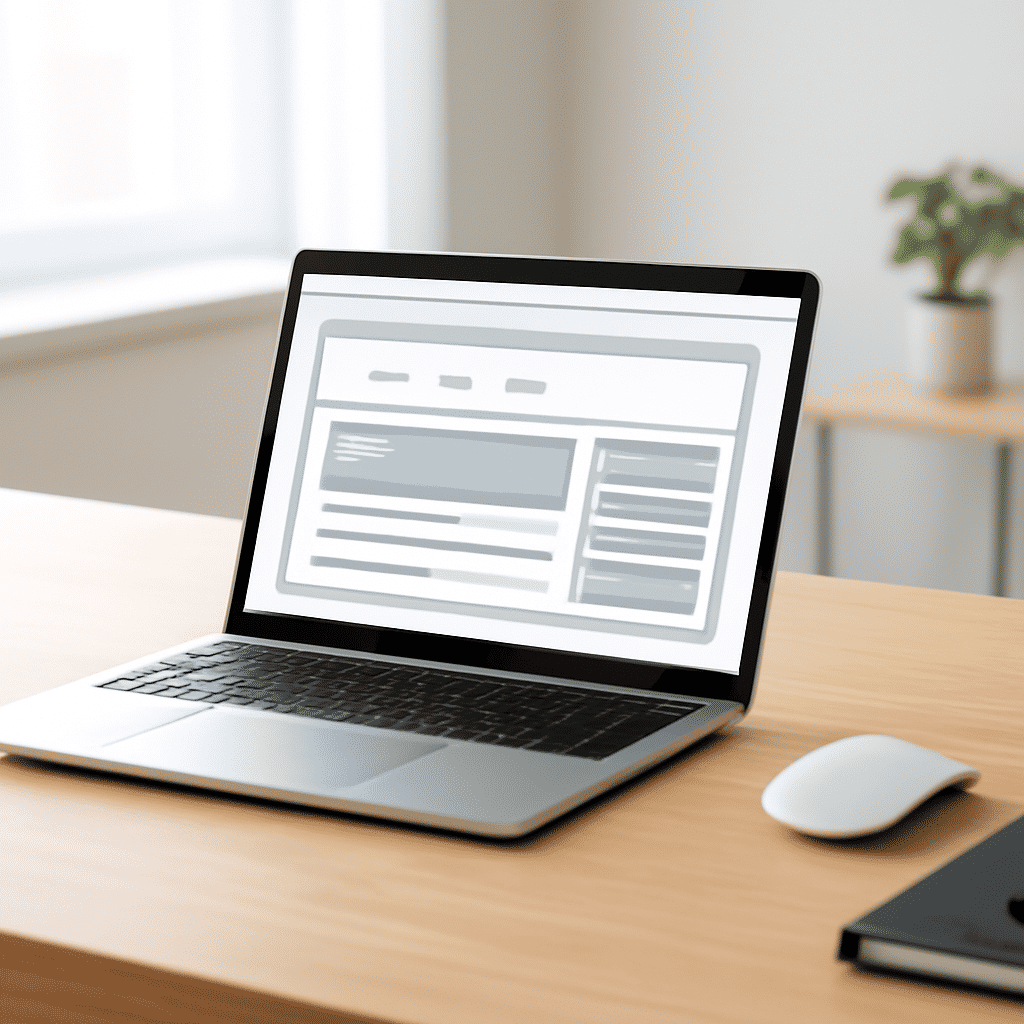
Creating a web page that effectively communicates information while being accessible to all users requires careful planning and thoughtful design. An impactful layout not only enhances user engagement but also ensures that content is easily navigable, providing an inclusive experience for individuals with varying abilities.
Understanding the Basics
When structuring web pages, it's essential to focus on clarity and simplicity. This can be achieved by using clear headings, concise paragraphs, and well-organized content. Proper use of headings is critical as it guides users through the page hierarchy, helping screen readers to interpret content correctly for those with visual impairments.
Responsive Design
Responsive design is crucial in today's digital environment. Pages should be adaptable to different screen sizes and devices without losing functionality or readability. This flexibility ensures that whether a user accesses a site on a desktop, tablet, or smartphone, they have a seamless experience.
Color and Contrast
Color contrast is another vital aspect of accessible design. Use colors that are distinguishable from one another, ensuring text is easily readable against its background. This consideration is particularly important for users with color blindness or low vision. Tools and guidelines are available to help designers choose effective color combinations.
Keyboard Navigation
Some individuals navigate web pages using a keyboard rather than a mouse. Ensuring that all interactive elements, such as links, buttons, and forms, are accessible via keyboard shortcuts is essential. Implementing appropriate tab orders and focus indicators can significantly enhance the browsing experience for these users.
Alternative Text for Images
Providing descriptive alternative text for images is crucial for accessibility. This allows screen readers to convey the content of images to visually impaired users, ensuring they receive the same information as sighted users. Alt text should be concise yet descriptive enough to convey the image's context or purpose.
Forms and Labels
Forms are a common feature on web pages and should be accessible to all users. Labels should be clearly associated with their corresponding input fields, helping screen readers convey the correct information. Additionally, ensuring forms provide feedback for input errors allows users to correct mistakes efficiently.
Audio and Video Content
For multimedia content, offering captions and transcripts is a valuable practice. Captions aid users who are deaf or hard of hearing, while transcripts provide a text-based format of the audio content, allowing everyone to access the video's information.
Testing Accessibility
Regular testing for accessibility is essential. Employing automated tools alongside manual testing can help identify potential issues. Testing with real users, particularly those with disabilities, provides insights into how accessible a page truly is.
By focusing on these aspects, web pages can be both impactful and inclusive. Prioritizing accessibility not only broadens the audience but also fosters a more equitable internet experience for all.